
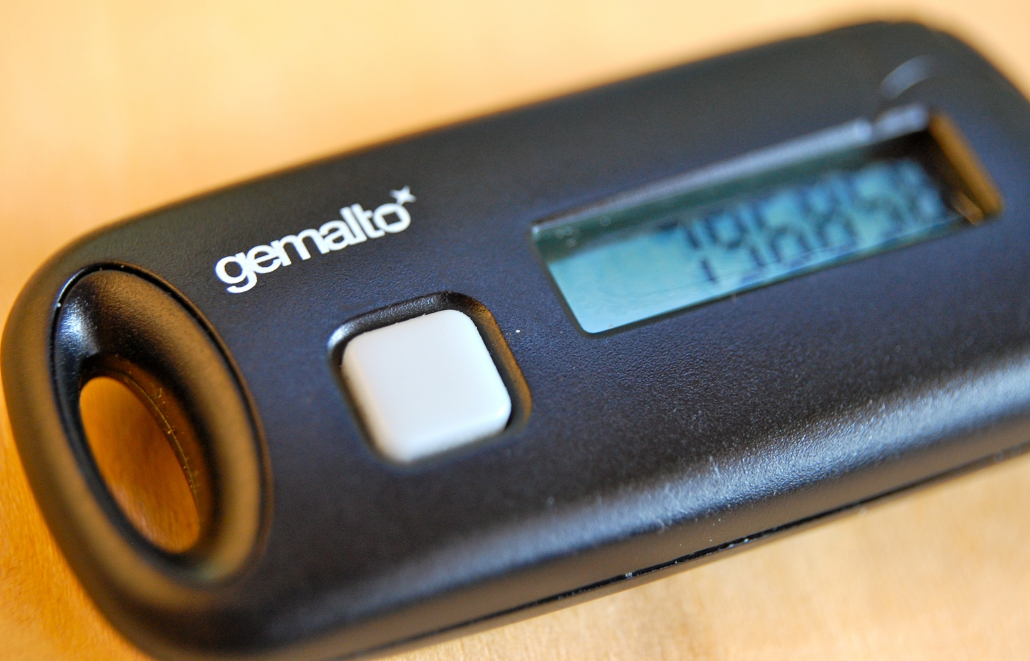
Multi -Factor Authentication And Why You Should Use it
With ever-growing portions of our lives spent on the internet, or using services that depend on it, keeping your online accounts secure has never been more important. A breach of a key personal account can have devastating effects on our lives. Think identity theft, or embarrassing information/media being leaked.
One of the most effective solutions to this problem is Multi-Factor Authentication, or MFA (sometimes written 2FA for 2 Factor Authentication).
What is MFA?
MFA is a process by which more than one piece of information is required in order to authenticate against a service or provider.
What’s the problem?
In days of old, and still on less tech-savvy sites on the internet, a single username and password combination would be sufficient to grant you access to an account. Now in an ideal world, everybody would use lengthy and difficult to guess passwords, using different passwords for every service. But humans will be human, and take the easier route of using shorter, easy to remember, and worst of all common passwords. This inevitably leads to accounts being compromised when those common passwords are tried, or when the attacker reads the post-it that’s stuck to the bottom of your monitor…
How does MFA help?
MFA helps to resolve this problem by requiring a second piece of information; a second factor. This second factor can be many different things, with different sites offering the choices they think best. The most common are:
- SMS
- Automated phone call
- Mobile device
How does it work?
Upon entering your valid username and password combination, the site or application will ask you for your second factor. If you provide this second factor correctly, then you will be authenticated. If you provide the wrong information, or no information at all, then you are denied. Simple right?
Isn’t this essentially just a second password?
Great question! Some sites may just require a second piece of text for your second factor, and in this case, it is essentially just a second password yes. However, good MFA is usually configured so that is requires something you know, and something you have. For example, a password, and an SMS. Using SMS as the second factor requires the user to have the mobile phone with the number configured on the account. Same for a phone call. This means that if somebody learns your password, it is useless unless they also have your unlocked mobile phone.
The next thing to consider is that the second factor is changing regularly and often. When a provider sends you an SMS, this is usually valid for a short period of time, say 10 minutes. If you wish to login after this time, you must receive a new SMS with a new passcode. This of course prevents people from writing the second factor down, as it would be useless a short while later, and also means that if an attacker were to find out what the second factor was, they would have a very short window in which to login.
Side note: though we’ve used SMS as an example here, there’s a growing movement of people that consider it insecure due to demonstrated attacks which are able to bypass this second factor. As with any security procedure, you should always consider it’s merits and potential weaknesses before putting it in place yourselves.
In summary MFA is both a simple and effective way of keeping your online accounts secure. We strongly recommend everyone enables it where possible. You should still continue to use strong passwords and follow best practices in terms of security too.
Feature image background by ChrisDag licensed CC BY 2.0.








Trackbacks & Pingbacks
[…] other blog on Multi -Factor Authentication explains about a further level of security you can use if […]
Leave a Reply
Want to join the discussion?Feel free to contribute!